Shopify Guides
How to Hire a Shopify Developer: A Step-by-Step Guide for Store Owners
Hiring a Shopify developer? Learn how to scope the job, where to look, how to vet candidates and how to give store access safely with a collaborator account.
Dev Artistry Hub7 min read
In this article — 9 sections
- Step 1: Decide What Kind of Shopify Help You Need
- Step 2: Write a Short, Clear Brief
- Step 3: Know Where to Look
- Step 4: Vet Candidates Properly
- Step 5: Give Access Safely With a Collaborator Account
- Step 6: Agree the Scope, Timeline and Handover in Writing
- Red Flags to Watch For
- Frequently Asked Questions
- Conclusion: Hire for Fit, Then Protect the Work
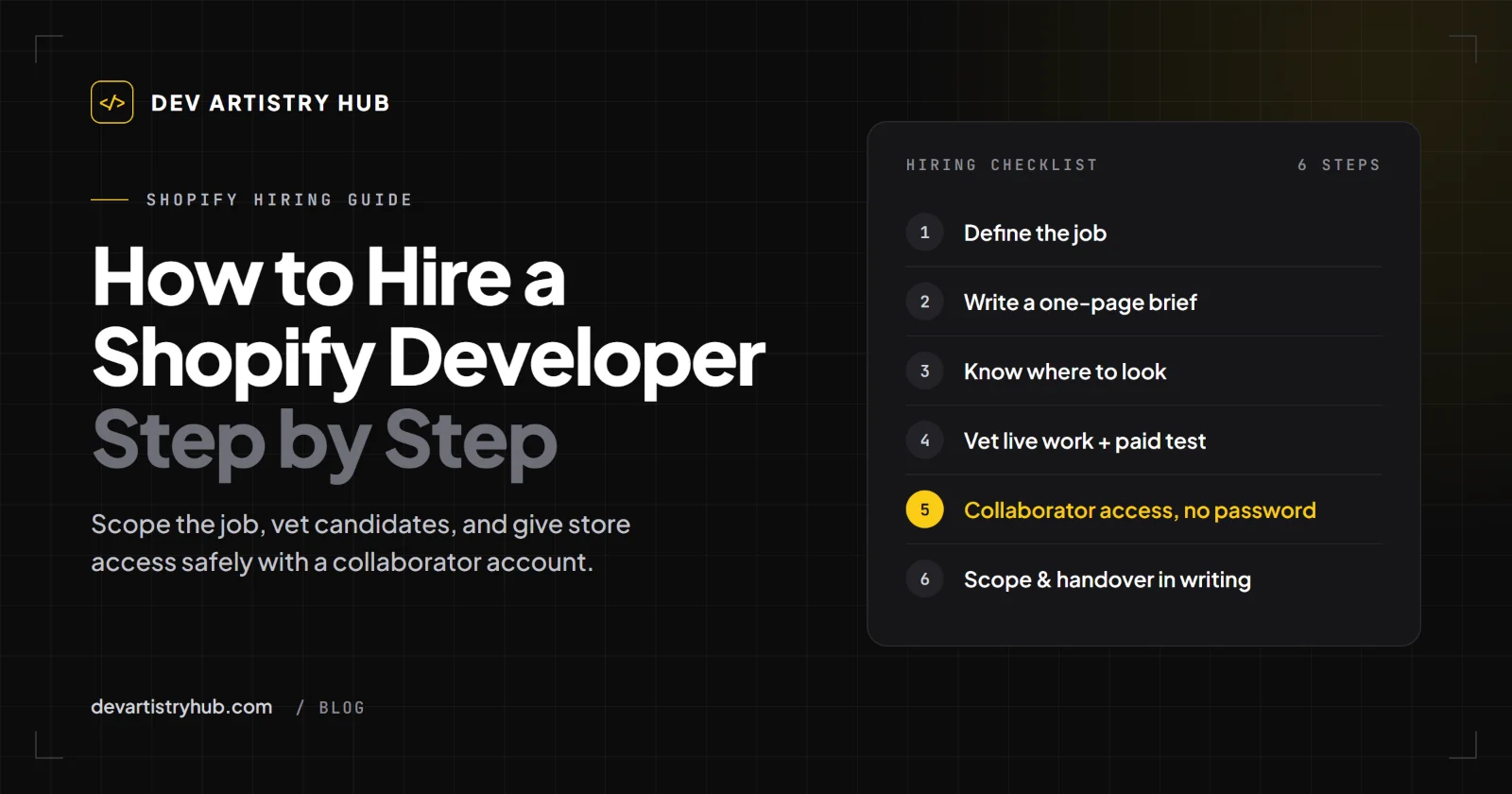
To hire a Shopify developer well, decide what kind of work you need before you look for anyone, write a one-page brief, shortlist two or three people with live Shopify stores in their portfolio, and test them with a small paid task. When you choose someone, give them access through a Shopify collaborator account rather than your password, agree the scope and handover in writing, and remove their access when the work is done.
In short: the right developer is the one whose past work matches your job, who asks good questions about your brief, and who never needs your login details. Price matters, but a clear scope protects you more than a low hourly rate.
Step 1: Decide What Kind of Shopify Help You Need
"Shopify developer" covers very different jobs, and the person who is perfect for one can be wrong for another. Before you post a job or message anyone, put your work into one of these groups:
- Small fixes: a broken section, a layout problem on mobile, an app that conflicts with your theme.
- Theme customization: changing how an existing theme looks and behaves, adding sections, adjusting product and collection pages.
- A custom theme: a store built from your own design, often from a Figma file, rather than adapted from a theme in the Shopify Theme Store.
- Integrations and migrations: connecting a third-party system, or moving a store from another platform.
If you are not sure whether you need a customized theme or a custom one, our guide to Shopify theme vs custom theme walks through the trade-offs. Knowing which group you are in tells you what experience to look for, and it stops you paying custom-build rates for a small fix.
Step 2: Write a Short, Clear Brief
A good brief gets you better quotes and better questions. It does not need to be long. One page that answers these points is enough:
- The goal: what should be different when the work is done? "Make the product page convert better" is a goal; "move the reviews above the fold and add a size guide" is a task. Include both.
- What exists today: your store URL, the theme you use, and the apps that touch the pages involved.
- Examples: two or three stores or pages you like, with a sentence on what you like about each.
- Designs, if you have them: a Figma file or screenshots.
- Constraints: your deadline, your budget range, and anything that must not change.
- What "done" means: how you will check the work before you sign it off.
Send the same brief to everyone you contact. Comparing quotes is only fair when everyone answered the same question.
Step 3: Know Where to Look
There are three common routes, and each suits different jobs:
- The Shopify Partner Directory. Shopify describes it as a curated list of Shopify Partners where merchants can explore partners and the services they offer, then contact them directly. It is a sensible starting point when you want someone who works with Shopify every day.
- Freelance marketplaces. Useful for small, well-defined tasks. You will see a wide range of experience, so the vetting steps below matter more here.
- Agencies and studios. Better when the job spans design, development and ongoing support, or when you want one team accountable for the whole store.
For what each route typically costs, see our breakdown of the cost to hire a Shopify developer.
Step 4: Vet Candidates Properly
A portfolio and a confident proposal are a start, not proof. Narrow your list to two or three people and check each of them the same way.
Look at live stores, not screenshots
Ask for links to Shopify stores they have worked on and what exactly they did on each one. Open those stores on your phone. Do the pages load smoothly? Do the menus, filters and cart work? A developer who built the parts you need before is a safer bet than one who has only done something similar.
Ask questions that reveal how they work
Good questions to ask:
- How would you approach this brief, and what would you need from me?
- Will you work on a copy of my theme, or on the live store?
- How do you test changes on mobile before they go live?
- What happens if an app update breaks something you built?
- What will I receive at the end: the code, notes, a short walkthrough?
Listen for clear, specific answers. A developer who asks you questions back, about your apps, your products or your customers, is usually one who has thought about the job.
Start with a small paid test
If the project is large, begin with a small, paid piece of the real work, such as one section or one page. It shows you how they communicate, how they handle feedback and whether they deliver what they promised, before you commit to the full budget.
Step 5: Give Access Safely With a Collaborator Account
Never send your Shopify password to anyone. Shopify has a built-in way to give developers access: collaborator accounts.
According to Shopify's help center, collaborators are Shopify Partners, such as freelancers and agencies, that you have allowed to access your store, and collaborators don't count towards your store's user limit. The process works like this:
- In your Shopify admin, open the user settings and find the Security section, where your store shows a 4-digit collaborator request code. Share that code with your developer.
- The developer sends a collaborator request from their Partner account using the code.
- You review the request and its permissions before you accept it. Shopify's own advice is to grant only the permissions that the partner needs for their work.
- When the work is finished, remove the collaborator account. Shopify notes that removal is permanent, so the developer would need to send a new request to work with you again.
If a developer insists on your owner login instead, treat that as a warning sign.
Step 6: Agree the Scope, Timeline and Handover in Writing
Before work starts, put these points in writing, even if it is just an email you both reply "agreed" to:
- What is included and what is not. List the pages, sections and features. Anything not listed is a change request.
- Fixed price or hourly. Fixed prices suit well-defined jobs. Hourly work suits ongoing or uncertain tasks, as long as there is a weekly cap.
- Milestones and payment points. Tie payments to delivered, checked work rather than to dates alone.
- Testing and sign-off. Agree how you will review the work and how many rounds of changes are included.
- Handover. Confirm that the code and any custom sections belong to you, and that you will receive short notes on anything custom.
- Support after launch. Agree how fixes are handled if something breaks in the first weeks.
Red Flags to Watch For
- They ask for your password instead of using a collaborator request.
- They cannot show live Shopify work similar to your job.
- They agree to everything without asking a single question about your brief.
- They plan to edit your live theme directly with no copy or backup.
- The quote is a single number with no breakdown of what it covers.
- They are vague about who owns the code at the end.
None of these is a guarantee of a bad result, but each one is worth a direct question before you pay a deposit.
Frequently Asked Questions
Do I need a Shopify Partner to work on my store?
Collaborator accounts are designed for Shopify Partners, which is why most professional Shopify developers have a Partner account. If someone cannot send you a collaborator request, ask why before you consider other ways of giving access.
Should I hire a freelancer or an agency?
A freelancer is often a good fit for small, clearly defined tasks. An agency suits projects that combine design, development and ongoing care. Our cost guide compares the two in more detail.
What should I check before I approve the work?
Test the changed pages on a phone and a desktop, place a test order if the checkout or cart was involved, and confirm that the apps you rely on still work. Only then sign off and release the final payment.
My store gets visitors but few sales. Do I need a developer or something else?
Sometimes the problem is technical, sometimes it is the offer or the product pages. Our guide to Shopify stores with traffic but no sales helps you find out which before you spend money on development.
Conclusion: Hire for Fit, Then Protect the Work
Hiring a Shopify developer goes well when you know the kind of work you need, describe it clearly, and choose someone whose past stores prove they can do it. Give access through a collaborator account, agree scope and handover in writing, and remove access when the job is done.
If you would like a clear plan and a fixed quote for your store, see our Shopify development services or send us your brief. We will tell you exactly what the work involves before you commit to anything.
- #Shopify
- #Hiring