Shopify Guides
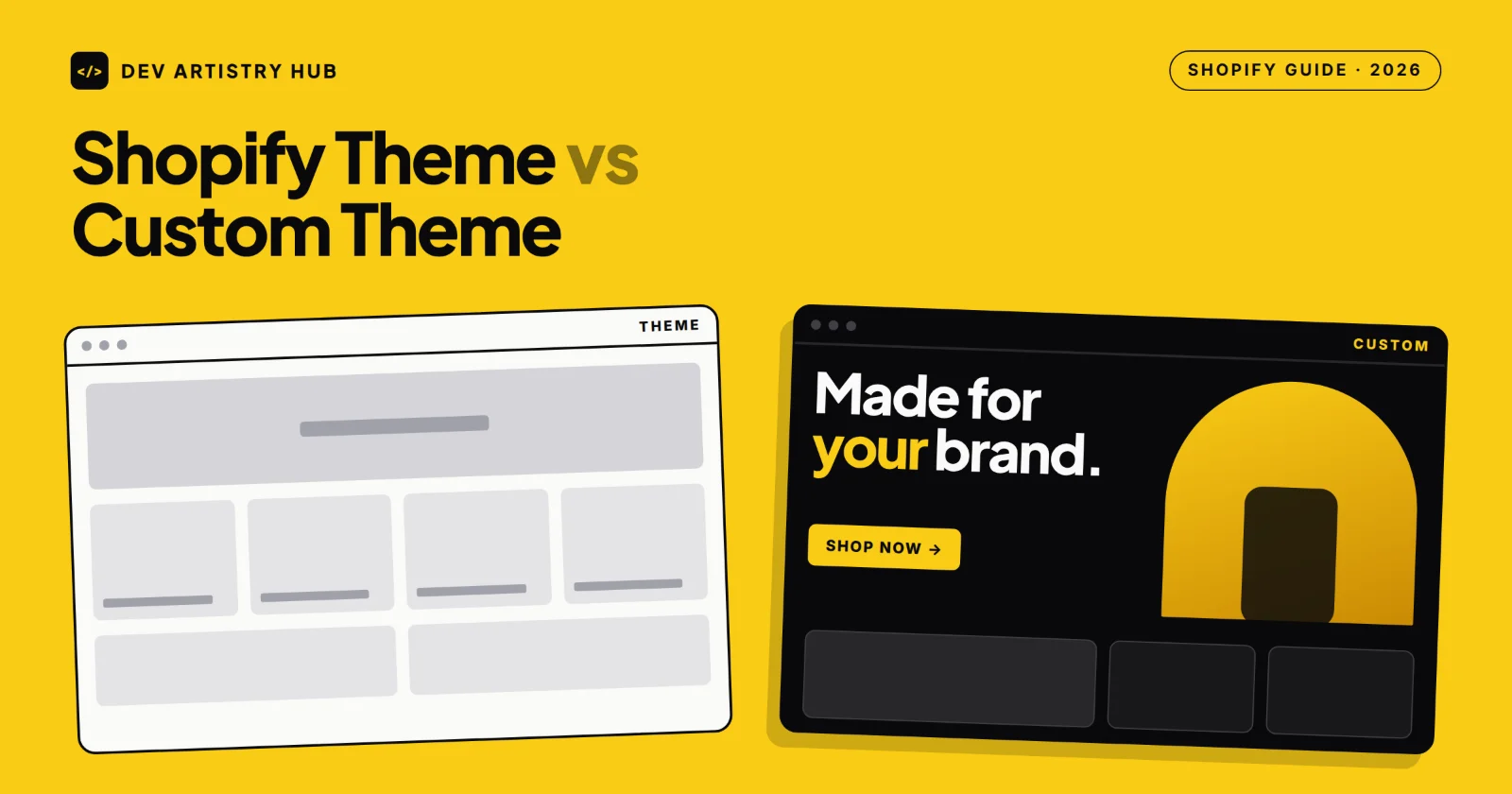
Shopify Theme vs Custom Theme: Which Does Your Store Need?
Free theme, paid theme or custom Shopify theme? Compare cost, speed, flexibility and maintenance, and learn when a custom Shopify theme is actually worth it.
Dev Artistry Hub8 min read
In this article — 11 sections
- What Is the Difference?
- Shopify Theme vs Custom Theme at a Glance
- When a Ready-Made Theme Is Enough
- When You Need a Custom Shopify Theme
- The Middle Option: Customize a Good Theme
- Theme Updates: The Hidden Trade-Off
- Performance and SEO
- Cost and Timeline
- Decision Checklist
- Frequently Asked Questions
- Conclusion: Start With Fit, Not Fashion
Quick answer: Most Shopify stores do not need a fully custom theme. A well-chosen free or paid Theme Store theme, customized for your brand, covers the needs of most small and growing stores at a fraction of the cost. A custom Shopify theme is worth it when your brand experience, product presentation or functionality genuinely cannot be achieved within an existing theme — or when speed and a unique design are a real competitive advantage.
It is an easy decision to get wrong in either direction. Some stores spend thousands on a custom build they did not need. Others spend months fighting a theme that was never designed for what they sell, stacking apps and workarounds on top of it.
This guide compares ready-made themes and custom themes on cost, design freedom, speed, updates and long-term maintenance. It also covers the middle option that most stores end up choosing, and gives you a checklist to decide which one fits your store.
What Is the Difference?
A Shopify theme is a ready-made design you install from the Shopify Theme Store or another marketplace. Shopify offers free themes such as Dawn and Horizon, and the Theme Store also sells paid themes from independent theme designers. You customize colours, fonts, sections and content in the theme editor.
A custom Shopify theme is built specifically for your store — usually from a Figma design — using Shopify Liquid, HTML, CSS and JavaScript. Every template, section and interaction is designed around your products and brand.
The middle option is a customized theme: you start with a solid Online Store 2.0 theme and a developer adds custom sections, adjusts templates and builds the specific features you need. For many stores, this is the best balance of cost and individuality.
Shopify Theme vs Custom Theme at a Glance
| Factor | Free theme | Paid theme | Customized theme | Custom theme |
|---|---|---|---|---|
| Upfront cost | $0 | One-time licence, commonly ~$180–$400 | Theme cost plus development time | Highest; often $5,000+ for advanced builds |
| Time to launch | Days | Days to weeks | Weeks | Weeks to months |
| Design uniqueness | Low | Medium | Medium to high | Fully unique |
| Features | Core features | More built-in sections and features | Core plus the custom features you need | Exactly what you specify |
| Theme updates | Easy (Theme Store) | Easy if code is unchanged | Needs care with custom code | Maintained by your developer |
| Best for | New stores, tight budgets | Growing stores with standard needs | Most established small and mid-sized brands | Brands where design and experience are a key advantage |
When a Ready-Made Theme Is Enough
A free or paid theme is usually the right call when:
- You are launching your first store or testing a product.
- Your catalogue and product pages are fairly standard.
- You can find a theme whose layout already fits about 80% of what you want.
- Your budget is better spent on products, photography and marketing.
- You want the easiest possible updates and support.
Shopify’s own free themes are built on Online Store 2.0, with sections and blocks you can rearrange in the editor. Paid themes usually add more section types and niche features, such as advanced filtering, mega menus or lookbooks.
When You Need a Custom Shopify Theme
A custom theme starts to make sense when:
- Your brand is the product. Premium, design-led brands often need a store that looks and feels like nobody else’s.
- Your products need a special presentation. Configurators, bundles, sample builders or complex variant logic that themes and apps handle poorly.
- You have a finished Figma design. If your designer has already created the full experience, a Figma to Shopify build is cleaner than forcing it into someone else’s theme.
- App overload is slowing you down. If you rely on many apps just to bend a theme into shape, a custom build can replace several of them with native sections.
- Speed is a competitive priority. A lean custom theme only includes the code your store actually uses.
The Middle Option: Customize a Good Theme
For most established small and mid-sized stores, the smartest path is to start with a well-built theme and invest in targeted theme customization:
- Build a few custom sections for your homepage and product pages.
- Adjust product templates for your specific product types.
- Replace app features with lightweight native sections where it makes sense.
- Keep custom code in separate sections and snippets rather than editing core theme files.
That last point matters for updates, which is the trade-off many store owners do not see coming.
Theme Updates: The Hidden Trade-Off
Shopify’s Help Center explains how theme updates work. Changes you make in the theme editor are copied to the updated version. Code edits are included only when they do not conflict with the update; if they conflict, you see a message that your code edits could not be included and have to copy them over manually. Update notifications also apply to themes installed from the Shopify Theme Store.
In practice:
- Unmodified themes update easily.
- Heavily edited themes can be painful to update, because custom changes have to be moved across by hand.
- Custom themes do not get Theme Store updates at all. Your developer maintains them, which is fine as long as the code is clean and documented.
The lesson: if you customize a theme, keep changes organized in separate files and keep a record of what was changed.
Performance and SEO
Speed affects both conversions and search visibility, and both options can be fast or slow:
- Shopify’s own free themes are generally lean and well-optimized.
- Feature-heavy paid themes can load code for sections you never use.
- Custom themes can be the fastest, but only if they are built carefully. A poorly coded custom theme can be slower than a good free one.
- On every option, apps are often the biggest performance cost. Review them regularly.
For SEO, the theme matters less than content, structure, speed and clean markup. A well-built theme of any kind gives you a solid technical base.
Cost and Timeline
- Free theme: no licence cost; setup can take days.
- Paid theme: a one-time licence, commonly around $180–$400 on the official Theme Store, plus setup time.
- Customized theme: the theme cost plus development time for the sections and features you need.
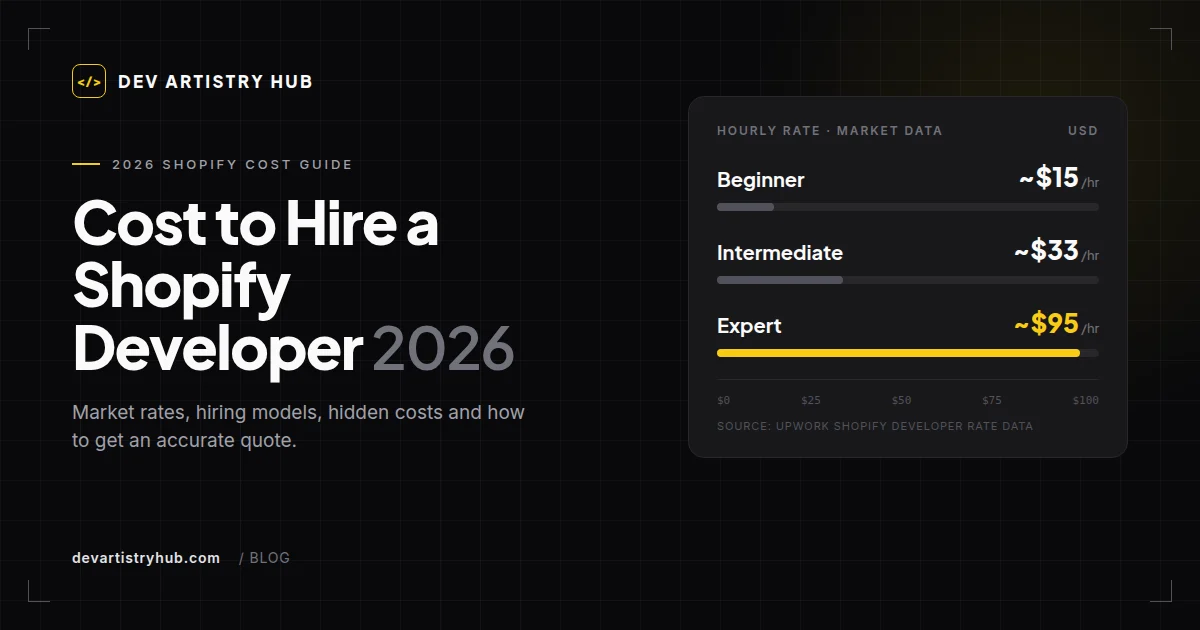
- Custom theme: the largest investment. Published industry estimates commonly place advanced custom Shopify work above $5,000, with the final cost depending on templates, features and integrations. Expect weeks to months, especially if design is included.
Remember to count app subscriptions too. A cheaper theme that needs several paid apps can cost more over a year than a better theme or a few custom sections. For a full budget breakdown, see the cost to hire a Shopify developer.
From our own work: both routes, on two stores. Covenant Prep Co, which sells preparedness gear, already had a live Shopify store, so we customized its theme in place — a new hero, navigation and featured products row, and a better mobile layout — while products, collections and checkout kept running. SO SO SF, a luxury streetwear label, came to us with a finished Figma design, so the job was a custom Shopify theme built in Liquid sections and blocks to match it.
Decision Checklist
Answer these before you decide:
- Can an existing theme handle about 80% of your design and features?
- Do you already have a finished Figma design for the store?
- Are you paying for several apps just to make the theme do what you need?
- Is a distinctive brand experience central to how you sell?
- Do you have the budget and timeline for a custom build, plus ongoing developer support?
- Who will maintain the store’s code after launch?
If you answered “yes” to question 1 and “no” to most of the rest, choose a theme and customize it. If questions 2 to 5 are mostly “yes”, a custom theme is likely worth it.
Frequently Asked Questions
Is a custom Shopify theme worth it?
It is worth it when your brand experience, product presentation or functionality cannot be achieved with an existing theme, or when speed and a distinctive design give you a real advantage. For most new and small stores, a well-chosen theme with targeted customization is better value.
How much does a custom Shopify theme cost?
Costs depend on the number of templates, features and integrations, and whether design is included. Published industry estimates commonly place advanced custom Shopify work above $5,000.
Are free Shopify themes good enough?
Often, yes. Shopify’s free themes are built on Online Store 2.0 and are generally lean and well-optimized. Paid themes mainly add extra sections and niche features.
Will I lose my customizations when I update my theme?
Changes made in the theme editor carry over to the updated version. Code edits are included only if they do not conflict with the update; otherwise you need to copy them to the new version manually. Keeping custom code in separate sections and snippets makes updates easier.
Can I turn my Figma design into a Shopify theme?
Yes. A developer can build your Figma design as a custom Online Store 2.0 theme with editable sections and blocks, so you can still update content in the theme editor.
Can I switch from a theme to a custom theme later?
Yes. Products, collections and content stay in Shopify when you change themes. You will need to rebuild page layouts in the new theme and re-check apps, tracking codes and redirects.
Conclusion: Start With Fit, Not Fashion
The Shopify theme vs custom theme decision comes down to fit. If a good theme already matches most of what your store needs, customize it and spend the savings on growth. If your products, brand or Figma design genuinely cannot live inside someone else’s theme, a custom Shopify theme is an investment that can pay back in conversions, speed and fewer apps.
Whichever route you choose, keep code changes organized and documented so future updates stay manageable.
Need help choosing or building the right setup? Explore our Shopify theme development and Shopify development services, or send us your brief.
- #Shopify
- #Themes
- #Comparison