Skip to content
Dev Artistry Hub
Service

Fix the cause, not the symptom — and never on the live site first.

What usually breaks

It worked yesterday.Then somethingupdated.

A white screen, a critical error, a 500. Different symptoms, a short list of causes — and the debug log usually names the one you have.

Read the log, then fix

The log names the file and the line behind the error. Fixing without it is guessing, and guessing on a live site is how a small fault becomes a lost one.

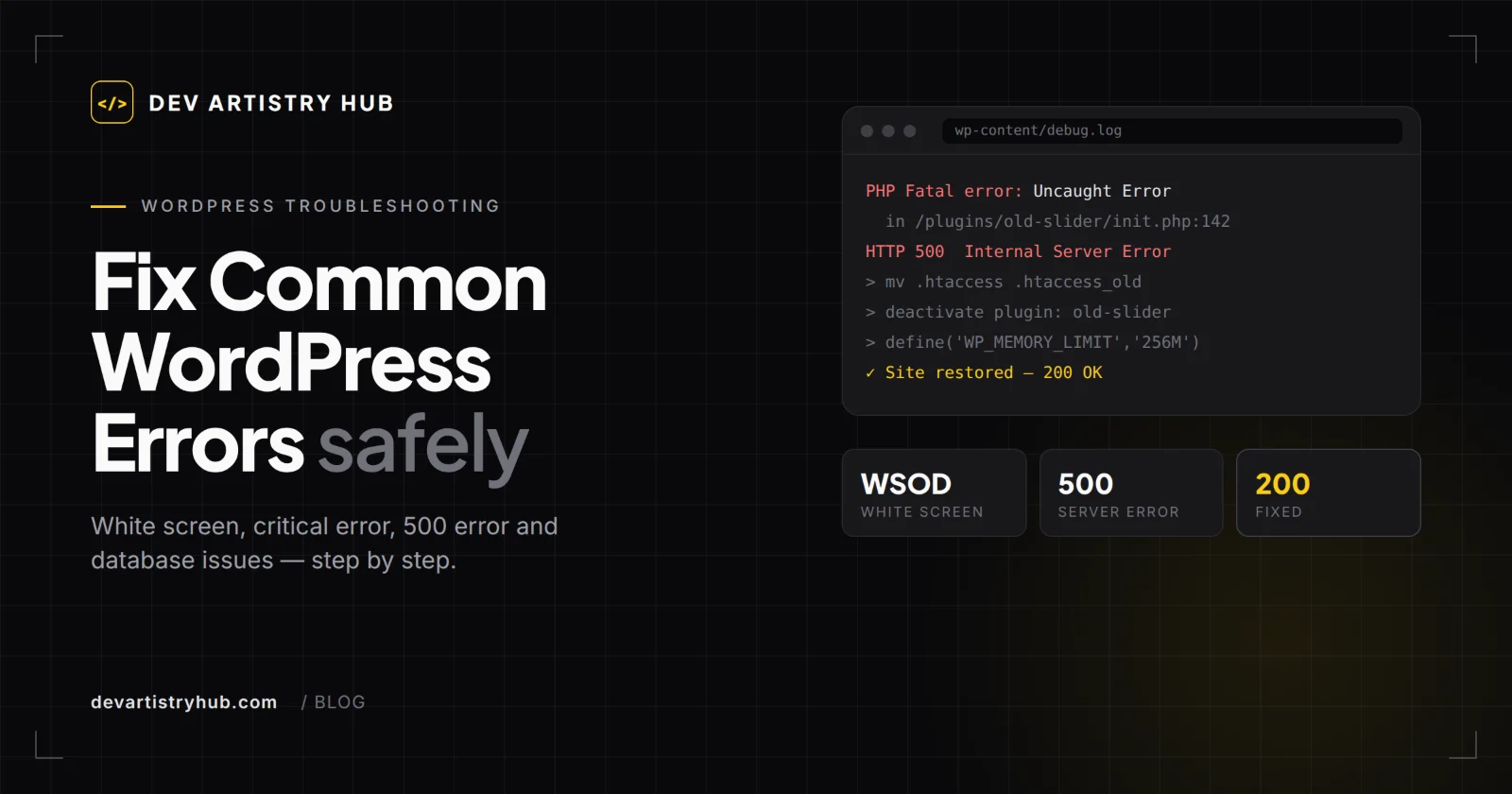
wp-content/debug.log

PHP Fatal error in plugins/old-slider

plugin updated on staging

500 Internal Server Error

.htaccess rebuilt

Allowed memory size exhausted

memory limit raised

site restored — 200 OK

A plugin conflict

Two plugins load code that does not get along, or one is out of date for your WordPress or PHP version.

A PHP upgrade

The host moves to a newer PHP, and a plugin nobody maintains stops working with it.

An update that never finished

Stuck in maintenance mode, or half-installed, because an update was interrupted.

How a fix actually goes

Never on thelive site first.

The order is what keeps a fix from making things worse. Every job runs the same four steps.

  1. Back it up

    Files and database, before anything is touched — so whatever happens next can be undone.

    Step 01
  2. Copy it to staging

    The work happens on a copy of your site, while visitors keep using the real one.

    Step 02
  3. Trace the cause

    The debug log, the recovery email, what changed last. One change at a time, so it is clear what fixed it.

    Step 03
  4. Fix the code

    The underlying fault fixed and carried to the live site — not a feature switched off to make the message go away.

    Step 04
Plans and prices

One fix,or kept fixed.

Pay once for a single error, or hand over the updates, backups and small fixes every month.

  • One-off Fix

    One error traced to its cause and fixed — a white screen, a critical error, a 500 or a broken checkout.

    From$49one-off

    • Backup and a staging copy before anything is touched
    • The cause traced in the debug log
    • The fix carried to your live site
    • A short note of what was changed and why
    Get it fixed
  • Most popular

    Care Plan

    Updates, backups and small fixes handled every month, so the next error never reaches your visitors.

    From$99/ month

    • Plugin, theme and core updates tested on staging first
    • A monthly off-site backup
    • Up to 2 hours of fixes or small changes
    • A reply within one business day
    Start the Care Plan
  • Business Care

    For WooCommerce and busy Elementor sites, where a broken page or checkout costs sales.

    From$199/ month

    • Weekly updates, tested on staging first
    • Weekly off-site backups
    • Up to 5 hours of fixes or changes
    • The checkout tested after every update
    Start the Business Care

Starting prices in US dollars. Every site is different, so you get a fixed price in writing before any work starts.

What you can hold us to

Our fivequality promises.

Five things the studio commits to on every project, each already written somewhere else on this site.

  • A fixed price before we start

    No moving target

    You get the price in writing once we understand the project, and it does not move during the build. No hourly surprises on the invoice.

  • A reply within one business day

    You are not waiting

    Every enquiry is read by the people who would do the work, and answered within one business day. Mon-Sat, 10am - 7pm PKT.

  • Checked on real phones

    Not a resized window

    Every build is tested on actual devices, because a browser window dragged narrow does not behave the way a phone does.

  • Built to be found

    Search-ready at launch

    Real heading levels, metadata, structured data and a sitemap ship with the site — not as an add-on once traffic fails to arrive.

  • Yours to edit afterwards

    No support ticket

    Pages made of blocks your team can move, and a walkthrough at handover, so the first change you make does not need us.

Included in every fix

What youactually get.

Four things in every maintenance or bug-fix job, whatever the error turned out to be.

  • 01

    A backup and a staging copy before anything on the live site is touched

  • 02

    The error traced to its cause in the logs, and the underlying code fixed

  • 03

    Plugin, theme and PHP updates tested on staging before they go live

  • 04

    Elementor layouts and WooCommerce checkouts covered, not only core WordPress

Best for

  • A site showing a white screen, a critical error or a 500 right now

  • Owners whose site breaks after every plugin, theme or PHP update

  • Elementor and WooCommerce sites where a broken page or checkout costs sales

From the blog

Need WordPress Maintenance & Bug Fixes?

Tell us what you are building and what it needs to do. We come back with a clear plan, a timeline and a fixed price.

Start a project

Design & Development