Shopify Guides
Why Are My Shopify Sales Down? A Calm Diagnosis Checklist Before You Change Anything
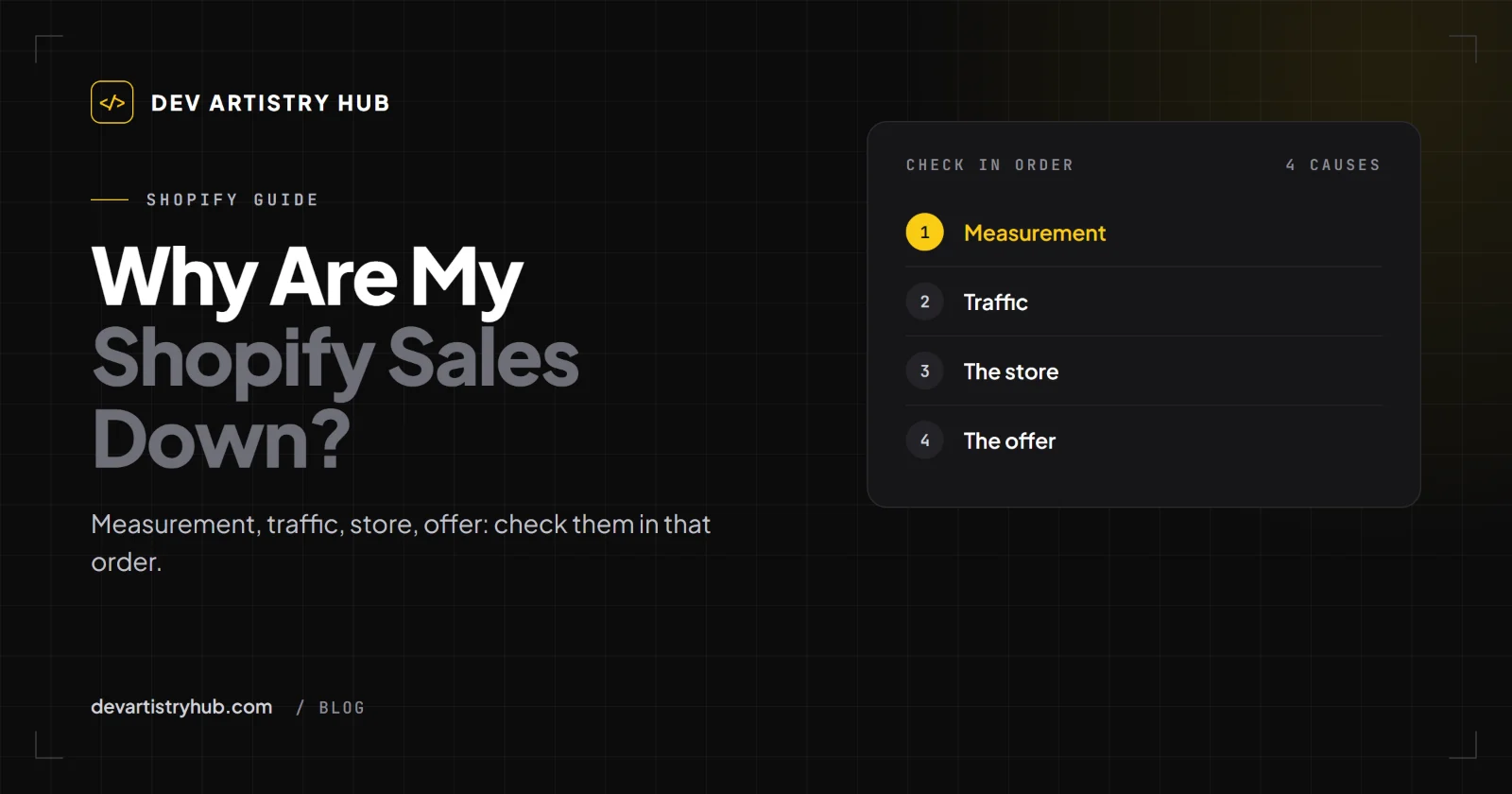
Shopify sales down? Work out whether it is measurement, traffic, the store or the offer, in that order, with the reports to open.
Dev Artistry Hub5 min read
In this article — 12 sections
- Step 0: Are Sales Down, or Is a Number Down?
- Step 1: Compare the Right Periods
- Step 2: Traffic, Did Fewer People Arrive?
- Step 3: The Store, Did Something Break?
- Step 4: Speed, Did Pages Get Slower?
- Step 5: The Offer, Did the Market Move?
- Step 6: Returning Customers
- A Quick Diagnosis Table
- What Not to Do While You Diagnose
- When to Bring in a Developer
- Frequently Asked Questions
- Final Takeaway
The orders slowed down. Maybe it was a gradual slide over a few months; maybe one morning the notifications just stopped. Either way, the first instinct is to do something: a sale, a new theme, new ads, a new app.
Resist that for an hour. When Shopify sales decline, the fix depends completely on the cause, and the four usual causes need opposite responses. Cutting prices does nothing for a broken checkout. A redesign does nothing for a traffic source that dried up.
This is the order we would check things in, with the Shopify report to open for each step.
In short: check measurement first (did the numbers change, or the sales?), then traffic (did fewer or different people arrive?), then the store (did something break?), then the offer (did the market move?). Only change things once you know which one it is.
Step 0: Are Sales Down, or Is a Number Down?
Look at orders and revenue, not sessions or conversion rate. They are the only numbers that cannot be changed by how visits are counted.
This matters right now. Shopify's behaviour reports documentation notes that "the Shopify Analytics session measurement rollout runs from September 21 to 23, 2026," and that afterwards "your sessions, conversion rate, and other session-based metrics might be different in your reports." Shopify adds: "This doesn't necessarily mean that your traffic, orders, or customer behavior changed."
If your conversion rate fell in late September 2026 but orders did not, you may have a reporting change, not a sales problem. We go deeper into that in a separate guide on Shopify numbers that do not match.
Step 1: Compare the Right Periods
- Same length, ideally the same days of the week.
- Against last year too, if you have it. Many stores are seasonal, and a drop after a busy month can be normal.
- Note anything you changed in the period: theme updates, new apps, price changes, ad changes, shipping changes.
Step 2: Traffic, Did Fewer People Arrive?
Open Sessions over time and Sessions by landing page, and your ad platforms.
- Fewer sessions from ads: budget, a paused campaign, rising costs, or an ad account issue.
- Fewer sessions from Google: check Search Console for falling clicks on your top pages. A theme change that altered titles or URLs can do this.
- Fewer sessions from email: list size, deliverability, or simply fewer sends.
- Sessions the same, orders down: the problem is further down the funnel. Go to Step 3.
Step 3: The Store, Did Something Break?
This is the most overlooked step, and the cheapest to fix. Open Conversion rate breakdown and look for a step that dropped sharply.
Then test it yourself on a phone:
- Open a product from a Google result and from an Instagram link.
- Choose a variant and add to cart.
- Change the quantity in the cart.
- Go to checkout with a real address in each country you ship to.
- Try each payment method.
Things that commonly break without anyone noticing:
- A theme or app update that broke the cart drawer or Add to Cart on one browser.
- A shipping zone that no longer covers an address, so checkout shows no rates.
- A payment method that stopped appearing.
- A default variant that sold out, making the product look unavailable.
- Leftover code from an uninstalled app throwing errors on product pages.
We wrote about these in more detail in Shopify traffic but no sales.
Step 4: Speed, Did Pages Get Slower?
Shopify's behaviour reports include Largest Contentful Paint, Interaction to Next Paint and Cumulative Layout Shift over time and by page type. If any of these got worse around the time sales slipped, look at what was added: a new app, a new section with a video, large images.
Step 5: The Offer, Did the Market Move?
Only now look outward:
- Did a competitor launch something cheaper or better?
- Did shipping costs or delivery times change?
- Are your best sellers out of stock, or did you raise prices?
- Did reviews on your top product turn negative?
Step 6: Returning Customers
If a large share of your sales came from repeat buyers, check whether they stopped coming back. A change in email frequency or a loyalty programme ending can show up as a slow decline.
A Quick Diagnosis Table
| What you see | Most likely cause | First thing to do |
|---|---|---|
| Conversion rate down, orders flat | Measurement | Compare orders, not sessions; check the September 2026 rollout |
| Sessions down, conversion flat | Traffic | Check ads, Search Console and email |
| Sessions flat, add-to-carts down | Product page or offer | Test product pages on a phone; check stock and price |
| Add-to-carts flat, orders down | Cart or checkout | Test checkout with real addresses and payment methods |
| Everything down after an update | Something broke | Roll back or undo the last change |
What Not to Do While You Diagnose
- Do not launch a discount before you know the cause. If checkout is broken, a discount just loses margin on the few orders that get through.
- Do not install a "sales booster" app. Every app adds code and risk.
- Do not switch themes in a panic. A theme change is the biggest variable you can introduce.
- Do not change several things at once. You will not know what fixed it.
When to Bring in a Developer
If Step 3 or Step 4 found the problem, or if you cannot tell whether something broke, a Shopify developer can trace a failing cart, a checkout error or a slow template far faster than trial and error. Ask them to test on real devices and explain what they changed.
Frequently Asked Questions
Why are my Shopify sales down this year?
Check, in order: whether orders actually fell or only session-based metrics changed; whether traffic fell; whether something in the store broke; and whether your offer or market changed.
Why did my Shopify conversion rate drop in September 2026?
Shopify ran a session measurement rollout from September 21 to 23, 2026, and says session-based metrics might be different afterwards without any real change in customer behaviour. Compare orders before you change the store.
How do I know if my Shopify checkout is broken?
Test it yourself on a phone with a real address and each payment method, and look for a sharp drop between "reached checkout" and "completed checkout" in the Conversion rate breakdown report.
Should I redesign my store if sales are down?
Not until you know the cause. A redesign is the right answer only when the store itself is the limit, and the wrong one for a traffic or checkout problem.
Final Takeaway
When sales drop, diagnose before you act: measurement, traffic, store, offer, in that order. Most of the answer is in reports you already have, plus ten minutes buying from your own store on a phone.
- #Shopify
- #Sales
- #Troubleshooting