Freelancing
How to Start Freelancing as a WordPress or Shopify Developer on Fiverr and Upwork (Before Your First Review)
Start freelancing as a WordPress or Shopify developer on Fiverr or Upwork: pick a narrow offer, build proof, set up your gig or proposals, and know the fees.
Dev Artistry Hub10 min read
In this article — 11 sections
- Before you sign up: the skills clients actually pay for
- Pick one narrow offer, not "I build websites"
- Build proof before your first client
- Fiverr vs Upwork for web developers
- Setting up Fiverr: a gig that can sell with zero reviews
- Setting up Upwork: profile, Connects and proposals that get replies
- Pricing your first projects without underselling
- Delivering so the first review is a five-star one
- Getting paid, and the rule that gets accounts banned
- Mistakes that stall new accounts
- Frequently asked questions
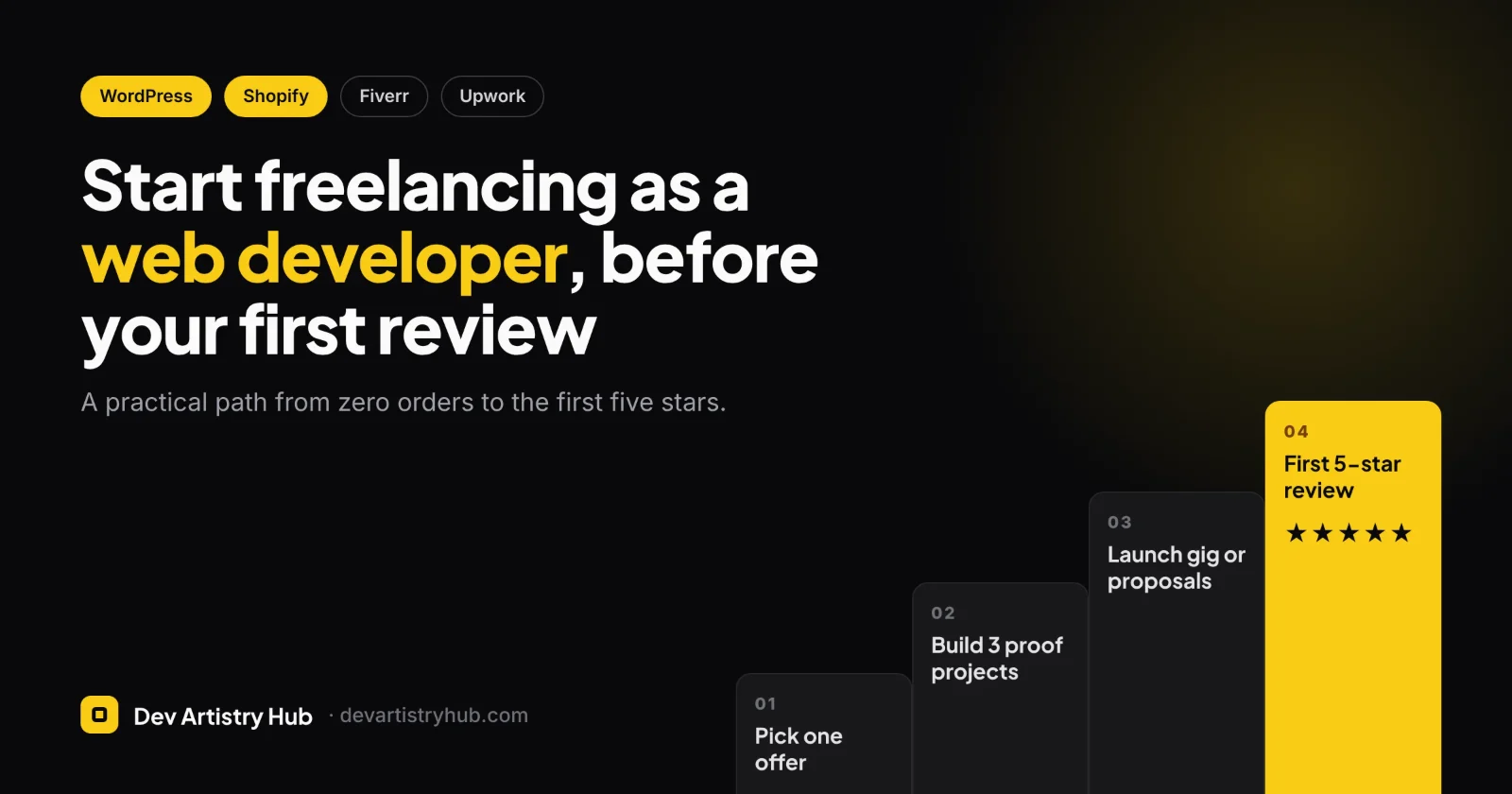
To start freelancing as a WordPress or Shopify developer, pick one narrow service you can deliver well, build three demo projects that prove it, and launch on the platform that matches how you like to sell. That means a fixed-price gig on Fiverr or proposals to job posts on Upwork. Your first few orders will come from a clear offer and fast replies, not from a long list of skills. Plan for the first months to be about reviews and repeat clients, not income.
In one minute: Choose one outcome (for example "Figma to Elementor landing page" or "Shopify product page customisation"). Build three portfolio pieces on a staging site or Shopify development store. On Fiverr, sell it as a gig with three clear packages. On Upwork, apply to small, recent jobs that match it exactly. Fiverr keeps a flat 20% of your earnings; Upwork charges a variable 0–15% fee plus Connects to apply. Never move payment off the platform for a client you met there.
Before you sign up: the skills clients actually pay for
Clients rarely post "need a WordPress developer". They post a problem: the site is slow, the checkout is broken, the design in Figma needs to go live, the theme needs a new section. The skills behind those requests are a short list.
WordPress
- Setting up a theme and a page builder such as Elementor, and building responsive layouts that match a design
- Fixing common errors: plugin conflicts, white screens, broken forms, mixed-content warnings
- WooCommerce setup: products, shipping, payment gateways, tax basics
- Speed work: images, caching, removing unused plugins
- Enough PHP and CSS to adjust a child theme without breaking updates
Shopify
- Customising themes from the theme editor and in Liquid
- Building or editing Online Store 2.0 sections and blocks
- Product page and collection page changes, which are the most common small jobs
- Installing and configuring apps without slowing the store down
- Basic store setup: shipping zones, markets, payments, policies
You don't need all of it on day one. You need to be solid in whatever you choose to sell first, and honest about the rest.
Pick one narrow offer, not "I build websites"
"I will build a professional WordPress website" competes with a huge number of near-identical listings. A narrow offer is easier to find, easier to trust and easier to price, because the scope is obvious.
Good first offers for WordPress and Shopify developers share three things. They have a clear finish line, they take days rather than weeks, and the client can check the result themselves. Some examples:
- Convert a Figma landing page into a responsive Elementor page
- Fix WordPress errors and plugin conflicts
- Customise a Shopify product page or add a custom section
- Speed up a WooCommerce or Shopify store and show before/after scores
- Migrate a small site from Wix or Squarespace to WordPress
Once you have reviews, you can widen the offer or add a second gig. Many established freelancers keep a narrow headline even then, because the niche is what brings them search traffic inside the platform. Figma-to-website work is a good example of a service that stays specific, as you can see on our own Figma to website page.
Build proof before your first client
Buyers with no reviews to look at decide on your portfolio. Three good pieces beat ten weak ones.
- Rebuild a real-looking brief. Take a free Figma community file or a design you make yourself and build it in WordPress or Shopify. Note how long it took and what you fixed for mobile.
- Use a development environment. For WordPress, use a local install or a staging subdomain. For Shopify, join the Shopify Partner Program and create a development store. Shopify's help centre notes you can use it to "showcase your work" and to test theme changes safely without touching a live shop.
- Show before and after. For speed or fix-it offers, record the problem, then the result: a PageSpeed screenshot, a short screen recording, a working checkout.
Put each piece on a simple portfolio page with the goal, what you built and the tools used. Do not present demo work as client work. "Concept project" or "practice build" is honest, and buyers respect it.
Fiverr vs Upwork for web developers
The biggest difference isn't the fee. It's how buyers find you. Upwork describes itself as "proposal-based", while Fiverr "focuses on buyers purchasing predefined services directly from freelancer listings." In practice:
- On Fiverr, you package a service, set the price and wait to be found in search. Your gig title, thumbnail and first package do the selling.
- On Upwork, clients post a job and you pitch for it. Your profile and your proposal do the selling, and every pitch costs Connects.
| Fiverr | Upwork | |
|---|---|---|
| How clients find you | Search and browse gigs, then buy a package | Post a job, read proposals, invite and interview |
| What you pay | A flat 20% commission on earnings | A variable 0–15% service fee, plus Connects to submit proposals |
| Cost to apply for work | None; buyers come to your gig | Connects cost $0.15 each; the number per job varies |
| Suits developers who | Like fixed packages and repeatable small jobs | Prefer custom scopes, hourly work and longer contracts |
| Early challenge | Getting your gig seen with zero reviews | Getting replies when competing proposals have reviews |
Many web developers use both. If you can only manage one at the start, choose based on how you prefer to sell. If you'd rather write a clear package once and then focus on delivery, start with Fiverr. If you're comfortable writing a tailored pitch for each job, start with Upwork.
Setting up Fiverr: a gig that can sell with zero reviews
Title. Write it as the buyer would search: "I will convert Figma to a responsive Elementor website" is clearer than "I will be your expert WordPress developer". Put the platform and the outcome in the title.
Packages. Make the three tiers different in scope, not just in delivery days. For a Figma-to-Elementor gig, for example, Basic could be one page, Standard up to five pages, and Premium five pages plus speed optimisation and a handover video. List exactly what is and isn't included so the buyer can choose without messaging you.
Gallery. Use your three proof pieces. A short video walking through one build helps, because buyers can see the site working, not just a mockup.
Description and FAQ. Answer the questions buyers ask before ordering: what you need from them (design file, logins, content), how revisions work and what happens after delivery.
Requirements. Use Fiverr's order requirements to collect logins, files and brand assets up front. This removes the most common cause of late deliveries.
Response time. Reply quickly to messages, especially in the first weeks. Fiverr's seller level criteria look at your Success Score, rating, completed orders and earnings; Level 1 currently asks for things like 5 completed orders, $400 earned and a 4.4+ rating. Criteria change, so check Fiverr's help centre for the current list.
Setting up Upwork: profile, Connects and proposals that get replies
Profile title and overview. Use the same narrow positioning as your offer: "Shopify Theme Developer | Liquid, OS 2.0 Sections, Speed" tells clients more than "Full Stack Web Developer". The first two lines of your overview appear in search, so lead with what you fix or build and for whom.
Portfolio. Add your proof pieces with a short problem → solution → result description for each.
Project Catalog. Upwork also lets freelancers list fixed-price projects that clients can buy directly, similar to a gig. It's worth setting one up for your core offer so you're not relying only on proposals.
Connects. Connects cost $0.15 each and are sold in bundles. Each job shows how many it needs, and that number can change while the job is open. Upwork says eligible new users may get a one-time bonus of 50 Connects, and you can earn some by completing profile and onboarding steps. Spend them on jobs where you're a close match, not on every job in your category.
Proposals. A proposal that gets replies usually does four things in a few short lines:
- Restates the client's actual problem in your own words, so they know you read the post
- Points to one portfolio piece that matches it
- Proposes a first step or asks one smart question about scope
- Gives a realistic timeline
Skip the long introduction about yourself. Clients often scan many proposals; the ones that talk about their project get opened.
Which jobs to target first. Small, clearly scoped, recently posted jobs that match your offer exactly. A small fix done well and reviewed quickly is worth more to a new account than a large project you're not ready for.
Pricing your first projects without underselling
New freelancers often price low to win the first order, then get stuck there. A lower starting price is reasonable while you have no reviews, but tie it to scope, not to your hours.
- Price the deliverable. "One responsive landing page from your Figma file, up to 6 sections" can be priced and compared. "WordPress work" cannot.
- Work out what you keep. On Fiverr you keep 80% of the order value. On Upwork the fee varies by contract, so check what Upwork shows for each job rather than assuming a number.
- Raise prices in steps. After every few five-star reviews, raise your packages a little or add an upsell instead of discounting. Buyers who found you at the old price will usually stay if the work stays good.
- Keep extras separate. Speed optimisation, extra pages, content entry and rush delivery are add-ons, not freebies.
Delivering so the first review is a five-star one
Your first reviews carry more weight than any later ones, because they are all a new buyer sees.
- Confirm scope in writing before you start. Repeat back what you'll deliver, what you need and the deadline. Do it inside the platform's messages.
- Work on staging. Never edit a live WordPress site or published Shopify theme directly. Duplicate the theme or use a staging copy, and publish only once the client has approved.
- Share progress early. A screenshot or preview link halfway through prevents a surprise at delivery.
- Deliver with a short handover. A two-minute screen recording showing how to edit the page or section is often what buyers mention in reviews.
- Ask for the review politely, once. After the client confirms they're happy, a single message is enough.
Getting paid, and the rule that gets accounts banned
Payouts. Fiverr's help centre lists PayPal, bank transfer through Payoneer and a Payoneer account as payout methods, each with its own fee and minimum. Upwork also offers several withdrawal methods. Which ones you can use depends on your country, so check both platforms' payout pages before you start, and set up the account you'll use early, because verification can take a few days.
Stay on the platform. Both platforms prohibit moving clients off-platform to avoid fees. Upwork's Terms of Service require you to use Upwork for payments with a client for 24 months from the start of the relationship unless a conversion fee is paid, and the minimum fee is $1,000. Sharing an email address, phone number or outside payment link in early messages is a common reason for warnings and account restrictions. Keep everything in the platform's messages until the rules allow otherwise.
Mistakes that stall new accounts
- Listing every skill. A profile that says WordPress, Shopify, React, Python, SEO and logo design looks unfocused. Lead with one offer.
- Copying top sellers' gigs word for word. Buyers notice, and it does nothing for your search position.
- Accepting work you can't deliver. One cancelled order early on hurts more than a week with no orders.
- Going quiet. Slow replies cost you both buyers and platform visibility.
- Promising guaranteed results. Don't promise a "100/100 PageSpeed score" or "first page on Google". Promise the work you control.
Frequently asked questions
Can I start freelancing as a web developer with no experience?
You can start without client experience, but not without skills. Build three solid practice projects first, label them honestly, and choose an offer small enough to deliver well.
Is Fiverr or Upwork better for WordPress and Shopify developers?
Neither is better for everyone. Fiverr suits packaged, repeatable services that buyers find in search. Upwork suits custom scopes where you pitch for each job. Many developers start on one and add the other once they have reviews.
How much do Fiverr and Upwork take?
Fiverr keeps a flat 20% of seller earnings. Upwork charges a variable 0–15% freelancer service fee, plus Connects to submit proposals, at $0.15 each. Both platforms change fees from time to time, so check their help pages.
How long does it take to get the first order?
It varies a lot by niche, offer and how actively you work the platform. Treat the first months as a period for building reviews, and keep improving your gig or proposals each week rather than waiting.
On the hiring side? If you landed here because you need a WordPress or Shopify site built rather than because you want to freelance, Dev Artistry Hub handles both. Look through our WordPress development and Shopify development services and tell us what you're planning. Tell us about your project.
- #WordPress
- #Shopify
- #Freelancing