Web Development Guides
How Much Does a Website Cost per Month? The Running Costs Nobody Puts in the Quote
What a website costs per month after launch: domain, hosting, apps, plugins, backups and updates, and how to keep the bill honest.
Dev Artistry Hub5 min read
In this article — 8 sections
The build quote is the number everyone argues about. The monthly bill is the one that quietly grows.
A year after launch, plenty of business owners discover they are paying for a hosting plan they never chose, three plugins they do not use, a Shopify app that a previous developer installed for one sale, and an email service nobody remembers signing up for. None of it was in the original quote, because running costs rarely are.
This article lists every line of the monthly and yearly bill for a typical business website, what each one is for, and which ones you can cut.
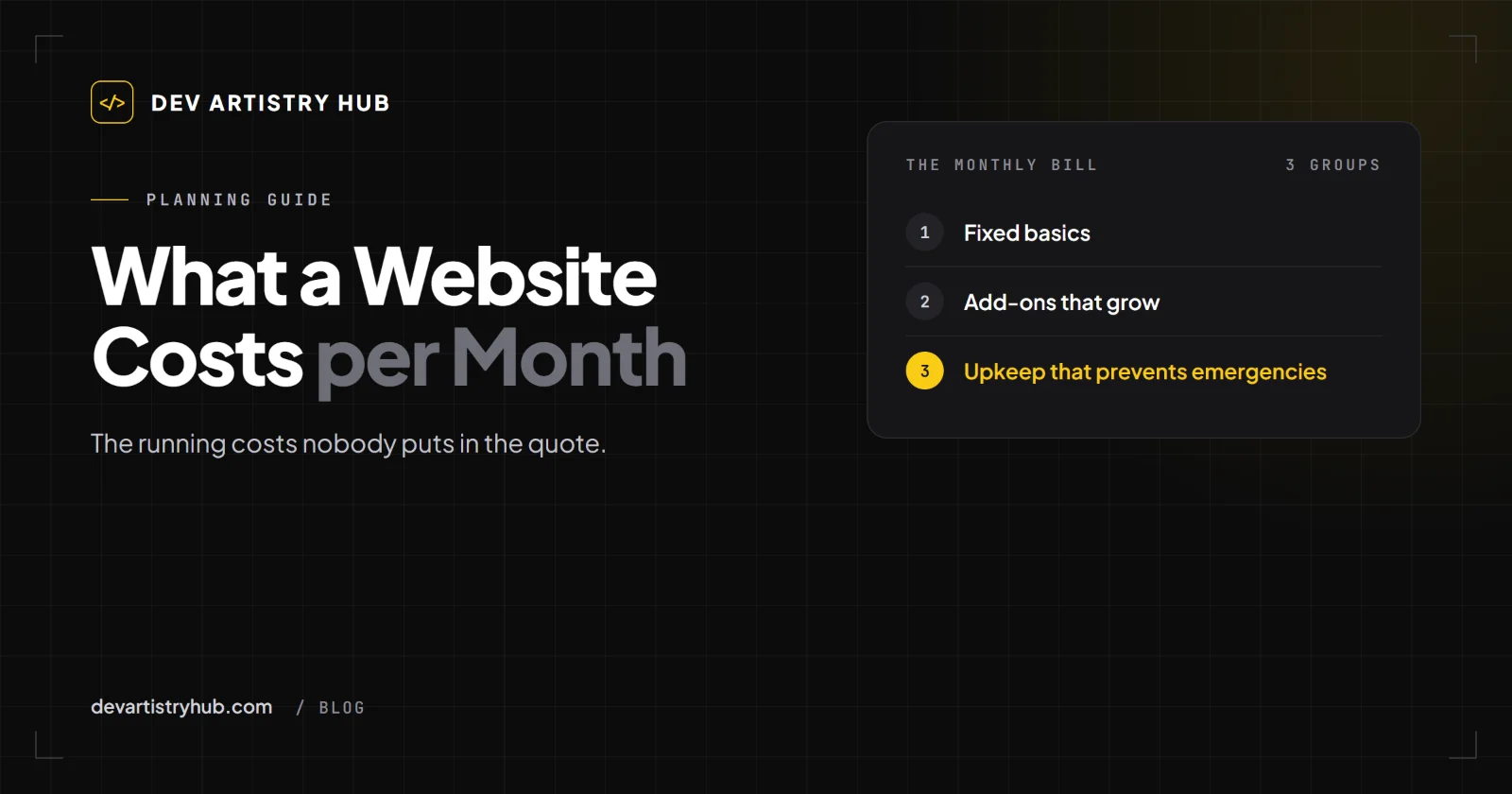
In short: a website's running cost is made of fixed basics (domain, hosting or platform plan, email), optional add-ons (paid plugins, themes, apps) and upkeep (updates, backups, fixes). The basics are small and predictable. The add-ons grow silently. Upkeep is the one people skip, and it is the one that prevents the expensive emergencies.
The Fixed Basics
Domain name (yearly)
Your address, renewed every year with a registrar. Two things to check: that the domain is registered in your name and account, not your developer's, and that auto-renew is on. A lapsed domain can take your website and your email down at the same time.
Hosting or platform plan (monthly or yearly)
- WordPress needs hosting: shared, managed WordPress or a cloud server. Shared hosting is the cheapest and the slowest when traffic grows.
- Shopify includes hosting in its plan. You pay Shopify monthly, plus payment fees on sales.
- A custom site can often run on simple, low-cost hosting, depending on how it is built.
The right question is not "what is the cheapest plan" but "what happens when this plan is too small?" A slow site loses visitors before they read anything.
Business email (monthly, per person)
If your email runs on your domain (you@yourbusiness.com), there is a separate monthly cost per mailbox with the provider you use.
The Add-Ons That Grow
Paid plugins and themes (WordPress)
Premium themes, page builders, form plugins, SEO plugins, backup plugins, security plugins. Each one may be cheap on its own. Many renew yearly, and many sites carry plugins that were added for one task and never removed.
Apps (Shopify)
Shopify stores often pay for apps monthly: reviews, upsells, pop-ups, subscriptions, translations. Apps are where Shopify running costs climb fastest. They also tend to leave code behind in the theme after you uninstall them, which can slow the store down.
Other services
Booking tools, live chat, newsletter platforms, analytics tools, stock photo subscriptions. Useful, but every one is another line on the card statement.
Do this once a year: list every subscription the website uses, who uses it, and what would break without it. Most businesses find at least one they can cancel.
Upkeep: The Line That Prevents Emergencies
A website is software. It needs:
- Updates. WordPress core, themes and plugins are updated often, and old versions are where most security problems start. Updates should be tested before they reach the live site, because an update can also break a page.
- Backups. Stored somewhere other than the same server, and actually tested. A backup you have never restored is a hope, not a backup.
- Monitoring. Knowing the site is down before a customer tells you.
- Small fixes and changes. A new service, a price change, a broken form, a page that looks wrong on the latest iPhone.
You can do this yourself, pay a developer by the hour when something breaks, or pay a monthly plan. The cheapest option month to month is usually doing nothing. The most expensive option over a year is also usually doing nothing, because the first serious break (a hacked site, a white screen, a checkout that stops working) costs more than months of upkeep.
What Our Upkeep Costs
For WordPress sites, we publish three prices: a One-off Fix at $80 for a single error traced and fixed, a Care Plan at $160 per month, and Business Care at $240 per month for WooCommerce and busier sites. The details are on our WordPress maintenance page. Whoever you choose, ask what is included, how updates are tested, and how quickly they reply.
Running Costs by Type of Site
Rather than invent averages, here is what to budget for:
| Site type | Fixed basics | Add-ons to watch | Upkeep |
|---|---|---|---|
| Brochure site (WordPress) | Domain, hosting, email | Page builder, forms, SEO plugin | Updates, backups |
| Online store (Shopify) | Domain, Shopify plan, payment fees, email | Apps | Theme fixes, app clean-up |
| Online store (WooCommerce) | Domain, stronger hosting, email | Payment, shipping and store plugins | Updates tested on staging, checkout checks |
| Custom site | Domain, hosting, email | Third-party services it connects to | Small changes, dependency updates |
How to Keep the Monthly Bill Honest
- Own your accounts. Domain, hosting, Shopify, email: all in your name, with your developer added as a user.
- Keep a subscription list. One spreadsheet: service, cost, renewal date, what it does.
- Remove what you do not use. On WordPress, deactivate and delete unused plugins. On Shopify, uninstall unused apps and ask a developer to remove the code they left behind.
- Choose hosting for the site you will have next year, not the cheapest plan today.
- Budget upkeep as a fixed line, the same way you budget insurance.
Frequently Asked Questions
How much does a website cost per year?
Add the domain renewal, twelve months of hosting or platform fees, yearly renewals of paid plugins, themes and apps, email, and your upkeep plan or an hourly budget for fixes. Listing these lines for your own site gives a far more accurate number than any average.
Can I run a website for free?
The software can be free (WordPress itself is), but a business site still needs a domain and hosting. Free plans on website builders usually show the builder's branding and limit what you can do.
Do I really need a maintenance plan?
You need maintenance. Whether it is a plan, an hourly arrangement or you doing it yourself depends on how much the site matters to your sales and how comfortable you are testing updates.
Why did my Shopify bill go up when my plan didn't change?
Usually apps. Check the apps list and your billing history; some apps charge by usage or by order volume.
Final Takeaway
The build is a one-time decision. The running cost is a monthly habit. Own your accounts, keep a list of every subscription, remove what you do not use, and treat upkeep as the cost of not having emergencies. A website that is cheap to run and kept up to date beats one that was expensive to build and left alone.
- #Website Cost
- #Maintenance
- #Small Business