Shopify Guides
Shopify Conversion Rate Wrong? Why Shopify, Google Analytics and Your Ads Never Agree
Shopify conversion rate wrong? Why Shopify, GA4 and ad platforms report different numbers, and which one to trust for each decision.
Dev Artistry Hub5 min read
In this article — 10 sections
Picture a normal week. Shopify shows one number of sessions, Google Analytics a noticeably lower one. Meta says its ads drove a pile of purchases, Google Ads claims its own pile, and together they add up to more orders than Shopify actually received. Your conversion rate is different in every tool, and in late September it changed again without you touching anything.
It is tempting to conclude that one of them is broken. Usually none of them are. They are measuring different things, in different ways, and each one is useful for a different question.
This is the guide we wish more store owners had before they made decisions from the wrong number.
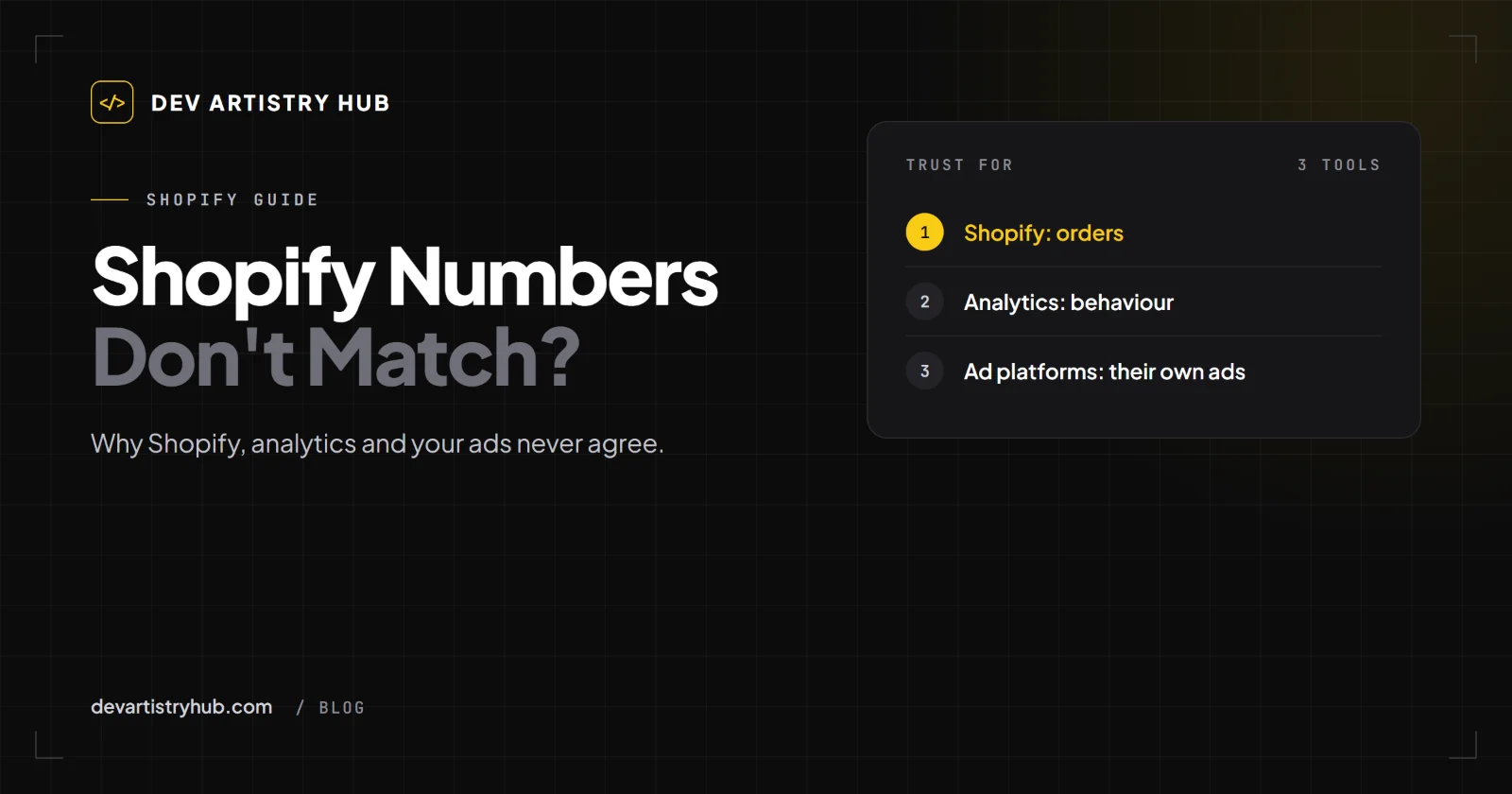
In short: orders in Shopify are the source of truth for sales. Sessions and conversion rate are estimates that every tool calculates differently. Use Shopify for orders and the trend of your own conversion rate, your analytics tool for behaviour, and ad platforms only for comparing their own campaigns.
Why Sessions Never Match
A session sounds simple: one visit. In practice, every tool decides differently:
- When a session starts and ends. After how many minutes of inactivity? Does a new session start at midnight, or when someone arrives from a different source?
- Who is counted. Visitors who decline cookies, use ad blockers or have scripts disabled may be missed by some tools and counted by others.
- Bots. Shopify's behaviour reports documentation says you "can filter your data by human and bot traffic." Whether that filter is on changes your session count, and so your conversion rate.
Since conversion rate is purchases divided by sessions, any difference in sessions becomes a difference in conversion rate.
The September 2026 Change Inside Shopify
Shopify itself changed how it counts. Its documentation says: "The Shopify Analytics session measurement rollout runs from September 21 to 23, 2026." After that, "your sessions, conversion rate, and other session-based metrics might be different in your reports." And: "This doesn't necessarily mean that your traffic, orders, or customer behavior changed."
So if you compare August with October inside Shopify, part of the difference may be the ruler, not the store. Compare orders and revenue across that date, and compare conversion rate only within periods on the same side of it.
Why Purchases Don't Match Either
Shopify counts orders
An order exists or it doesn't. That is why Shopify's order count is the number to trust for sales.
Even here there is one subtlety Shopify points out: "It is possible for a customer to make multiple purchases during a single session." So converted sessions and orders are not always the same number.
Analytics tools count tracked purchases
If the tracking script did not fire (a blocked script, a customer who closed the tab on the thank-you page, a consent choice), the purchase may be missing from your analytics tool even though the order exists in Shopify.
Ad platforms count attributed purchases
Meta, Google Ads and TikTok each count purchases they believe they influenced, using their own attribution windows, such as a click within some days or a view of an ad. A single order can be claimed by two platforms at once. Add up their purchases and you will often get more orders than you actually had.
Which Number to Trust for What
| Question | Number to use |
|---|---|
| How much did I sell? | Shopify orders and revenue |
| Is my store converting better than last quarter? | Shopify conversion rate, same filters, same side of September 21–23, 2026 |
| Where do visitors drop out? | Shopify's Conversion rate breakdown |
| Which pages do people read, and how do they move around? | Your analytics tool |
| Which of my Meta ads works best? | Meta, compared only with other Meta ads |
| Is advertising profitable overall? | Total ad spend compared with Shopify revenue for the same period |
Signs Your Tracking Really Is Broken
Differences are normal. These are not:
- Purchases in your analytics tool drop to zero while Shopify orders continue.
- Purchases are counted twice in analytics (often after installing a second tracking app or adding a script by hand on top of an app).
- Sessions spike with no orders and very short visits from one country: often bots.
- Ad platforms suddenly report no conversions after a theme change or an app removal.
Most of these come from duplicate or missing tracking code in the theme, usually left over from apps installed and removed over the years.
A Quick Tracking Health Check
- Note yesterday's Shopify order count.
- Compare with purchases in your analytics tool for the same day and time zone. A gap is normal; zero or double is not.
- Turn on bot filtering in Shopify reports if your plan shows it, and see how much sessions change.
- Check how many tracking apps and scripts are installed. More than one for the same tool is a warning sign.
- Place a test order and check that each tool records it once.
Why This Matters for Decisions
The danger is not that the numbers differ. The danger is making a store decision from the wrong one: redesigning a product page because the conversion rate fell, when the fall came from a measurement change; or doubling an ad budget because a platform claimed purchases that were already counted elsewhere.
When the store, the checkout or the theme might be the cause, look at the funnel in Shopify and test on a phone. We wrote a full diagnosis order in Shopify traffic but no sales.
When to Bring in a Developer
If you suspect duplicate or missing tracking, leftover app scripts, or a theme change that broke events, a Shopify developer can audit the theme code and installed apps and leave one clean setup.
Frequently Asked Questions
Why is my Shopify conversion rate different from Google Analytics?
Each counts sessions differently (timeouts, cookies, ad blockers, bots), and analytics may miss purchases whose tracking did not fire. Use Shopify orders as the truth for sales.
Is my Shopify conversion rate wrong?
Probably not wrong, just specific to how Shopify counts sessions, including the bot filter and the session measurement rollout of September 21 to 23, 2026. Compare it only with itself, measured the same way.
Why do Meta and Google Ads report more sales than I had?
Each platform counts purchases it believes it influenced, using its own attribution rules, and the same order can be claimed by more than one platform.
Which tool should I trust?
Shopify for orders and revenue, your analytics tool for behaviour, and each ad platform only for comparing its own campaigns.
Final Takeaway
Your numbers disagree because they are answering different questions. Treat Shopify orders as the truth, compare conversion rate only with itself, and be suspicious of zeros and doubles rather than of normal gaps. Make store decisions from the funnel, not from whichever dashboard looks worst.
- #Shopify
- #Analytics
- #Conversion