Shopify Guides
AI SEO for Shopify Stores: How to Get Your Products Cited in Google AI Overviews and ChatGPT
AI SEO for Shopify, without hype: what helps products show up in Google AI Overviews and AI search, and what Google says about AI copy.
Dev Artistry Hub5 min read
In this article — 11 sections
- How AI Search Looks at a Store
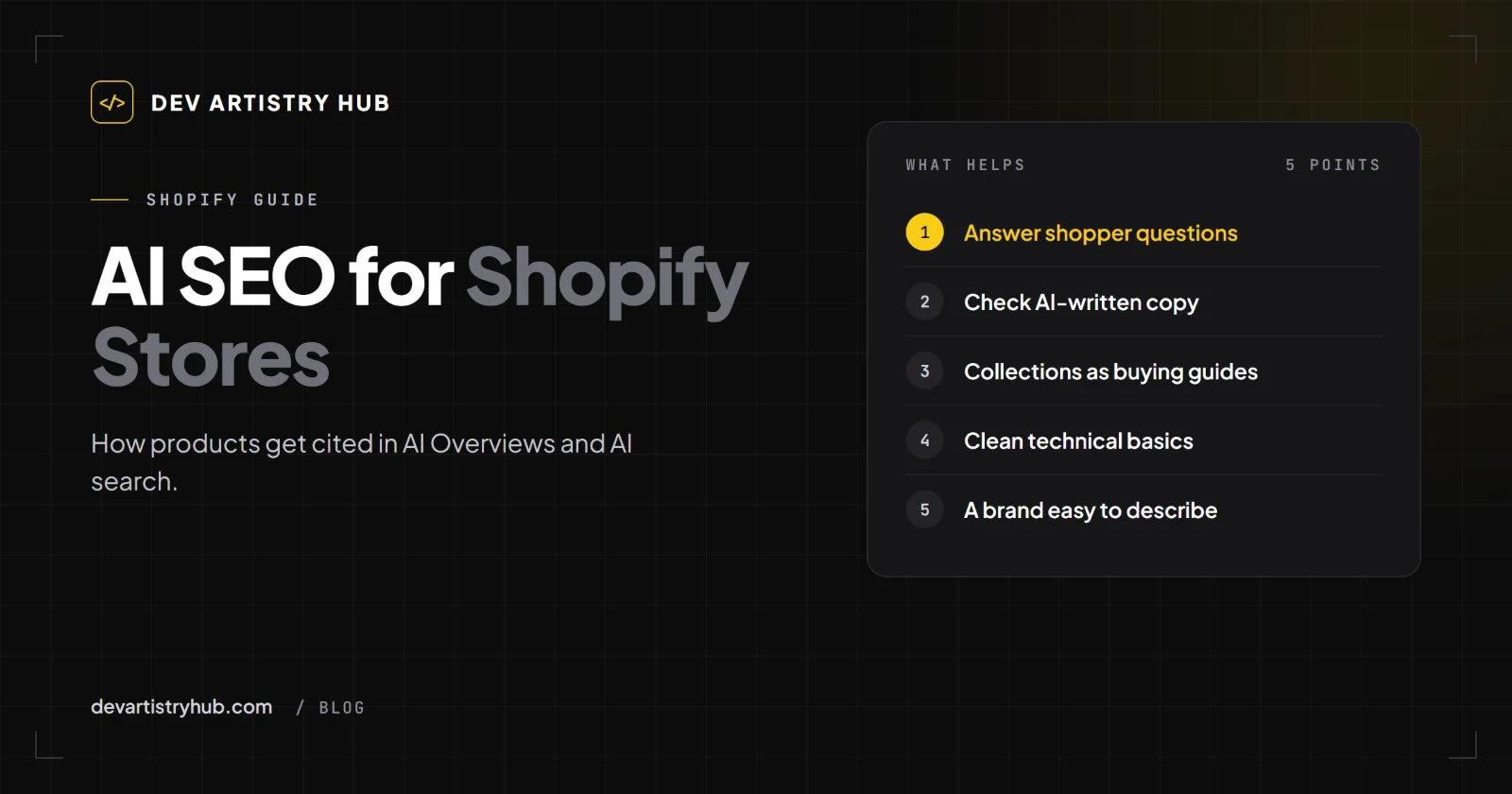
- 1. Write Product Pages for the Questions Shoppers Ask
- 2. Be Careful With AI-Written Product Descriptions
- 3. Turn Collection Pages Into Buying Guides
- 4. Get the Technical Basics Right
- 5. Make the Brand Easy to Understand
- 6. Watch the Right Numbers
- What to Skip
- A Two-Week Plan
- Frequently Asked Questions
- Final Takeaway
Ask an AI assistant for "the best vegan gummies for kids" or "a linen shirt that doesn't wrinkle" and it does not show ten blue links. It answers, names a few products or brands, and links to a few pages. For a Shopify store, that answer is the new shop window, and most stores are not in it.
The apps that promise "AI SEO for Shopify" mostly generate product descriptions in bulk. That is the one approach Google explicitly warns about. What actually helps is less exciting and more effective: product pages that answer the questions a shopper asks, in words a person would use, on a store that loads quickly and is easy to crawl.
In short: there is no special AI ranking setting in Shopify. Google says AI Overviews and AI Mode have "no additional requirements" beyond being indexed and eligible for a snippet. Stores that get cited have specific, honest product information, collection pages that explain choices, and clean technical basics.
How AI Search Looks at a Store
Google's documentation for site owners, AI features and your website, describes AI Overviews and AI Mode as using "query fan-out": "multiple related searches across subtopics and data sources" to build an answer and show "a wider and more diverse set of helpful links."
For a shopping question, the sub-questions are things like: what is it made of, who is it for, how does it compare, how big is it, how long does delivery take, what do buyers say. A product page that answers those clearly has many chances to be used. A page with a slogan, a price and three photos has almost none.
1. Write Product Pages for the Questions Shoppers Ask
Look at your customer emails, chat logs and reviews. The same questions repeat: sizing, materials, care, compatibility, ingredients, delivery. Answer them on the page.
A structure that works for people and for AI search:
- First two lines: what it is, who it is for, the main reason to choose it.
- Key facts: materials, dimensions, weight, ingredients, what's in the box.
- How to choose: sizing advice, which variant suits whom.
- Care, use or compatibility.
- Delivery and returns, in plain words.
- A short FAQ with real questions.
Specific beats clever. "Machine washable at 30°C, dries flat in about four hours" is the kind of sentence an answer can quote. "Effortless everyday luxury" is not.
2. Be Careful With AI-Written Product Descriptions
Generating descriptions for hundreds of products with AI is tempting. Google's guidance on generative AI content says using it to "generate many pages without adding value for users may violate" its spam policy on scaled content abuse, and that "it is critical to manually factcheck and review all AI-generated content for accuracy and trustworthiness before publishing."
For stores, there is an extra rule. If you send product data to Google Merchant Center, Google says: "AI-generated product data such as title and description attributes must be specified separately and labeled as AI-generated."
A safe way to use AI on product pages: let it turn your own notes into a first draft, then check every claim (material, size, ingredient, origin) against the real product before publishing. Never let it invent features.
3. Turn Collection Pages Into Buying Guides
Most Shopify collection pages are a grid of products with a one-line heading. Add a short, useful introduction above or below the grid:
- what the collection is for;
- how the products differ;
- which one to choose for which need.
That is exactly the content an AI answer looks for when someone asks "which one should I buy?"
4. Get the Technical Basics Right
Google says a page "must be indexed and eligible to be shown in Google Search with a snippet." On Shopify, check:
- Your sitemap at
yourstore.com/sitemap.xmlis submitted in Google Search Console. - Products are not hidden by a password page, a "noindex" from an app, or an unpublished sales channel.
- Variants do not create thin duplicate pages that compete with each other.
- Images have alt text that describes the product, not "image1".
- Pages load quickly on phones. Shopify reports Largest Contentful Paint, Interaction to Next Paint and Cumulative Layout Shift by page type in its behaviour reports.
5. Make the Brand Easy to Understand
AI answers often name brands. Help them describe yours correctly: a clear About page that says what you sell and for whom, consistent business details everywhere you appear, and a policies section that is easy to find. Reviews written by real customers, on the product page, add the kind of specific language people search with.
6. Watch the Right Numbers
Google says traffic from AI features is counted in Search Console's Performance report under the Web search type. Watch your product and collection pages for:
- impressions rising on question-style searches;
- CTR falling while impressions hold (often a sign an answer is shown above you);
- which pages gain clicks after you add answers and FAQs.
Compare quarters, not days.
What to Skip
- Apps that promise AI Overview placement. Google says no special optimisation exists.
- Bulk AI descriptions published without checking.
- Keyword lists stuffed into descriptions. Write for a shopper; it reads better to AI systems too.
- Hiding information behind tabs that do not load until clicked by scripts. Make sure the text is in the page.
A Two-Week Plan
- Pick your 10 best-selling products.
- Collect the questions customers ask about each.
- Rewrite the first two lines and add the key facts and a short FAQ.
- Write a short buying guide on your top three collection pages.
- Check the sitemap, indexing and alt text.
- Compare those pages in Search Console after 8 to 12 weeks.
If your theme makes it hard to add FAQs, size guides or collection introductions without a developer, that is usually a theme structure problem. We explained what store owners can change themselves in Shopify sections and blocks, and we build that flexibility into themes in Shopify theme development.
Frequently Asked Questions
Is there an AI SEO setting in Shopify?
No. Being found by AI search depends on the same things as normal search: indexed pages, useful content and a fast store. Google says no special optimisation is needed for AI Overviews.
Can AI write my Shopify product descriptions?
It can draft them, but Google asks that AI content be fact-checked before publishing, warns against mass-produced pages without value, and requires AI-generated product data sent to Merchant Center to be labelled as such.
How do I get my products into ChatGPT or Google AI answers?
Nobody can guarantee it. Make each product page the clearest answer to what shoppers ask, keep the store indexable and fast, and make your brand easy to describe.
Do I need a new theme for AI SEO?
Usually not. Better product information and collection introductions matter more. A new theme helps only if the current one makes that content hard to add or slows the store down.
Final Takeaway
AI search rewards the store that answers the shopper's questions best. Write product pages like a helpful salesperson, turn collections into small buying guides, check every AI-written word, and keep the technical basics clean. That is all the "AI SEO" most Shopify stores need.
- #Shopify
- #SEO
- #AI Search