
Web Development Guides
WordPress vs Shopify vs Custom Development: Which Is Right for Your Business in 2026?
WordPress, Shopify or custom code? Compare cost, flexibility, SEO and eCommerce features to choose the right platform for your business website in 2026.
Dev Artistry Hub9 min read
In this article — 13 sections
- The Quick Answer
- WordPress in 2026: Still the Most Flexible Option
- Shopify in 2026: Built for Selling
- Custom Website Design and Development: When Templates Are Not Enough
- WordPress vs Shopify vs Custom: Side-by-Side Comparison
- How to Choose: A 6-Question Checklist
- Common Mistakes When Choosing a Platform
- Bug Fixes and Theme Customization: The Work Nobody Plans For
- Where AI Website Development Fits In
- What About Cost?
- Frequently Asked Questions
- Conclusion: Choose the Platform That Fits Your Business, Not the Trend
- Sources
Picking a website platform feels like a technical decision, but it is really a business one. The platform you choose decides how fast you launch, what you pay every month, how easily your team can update content, and how much it will cost to change direction two years from now.
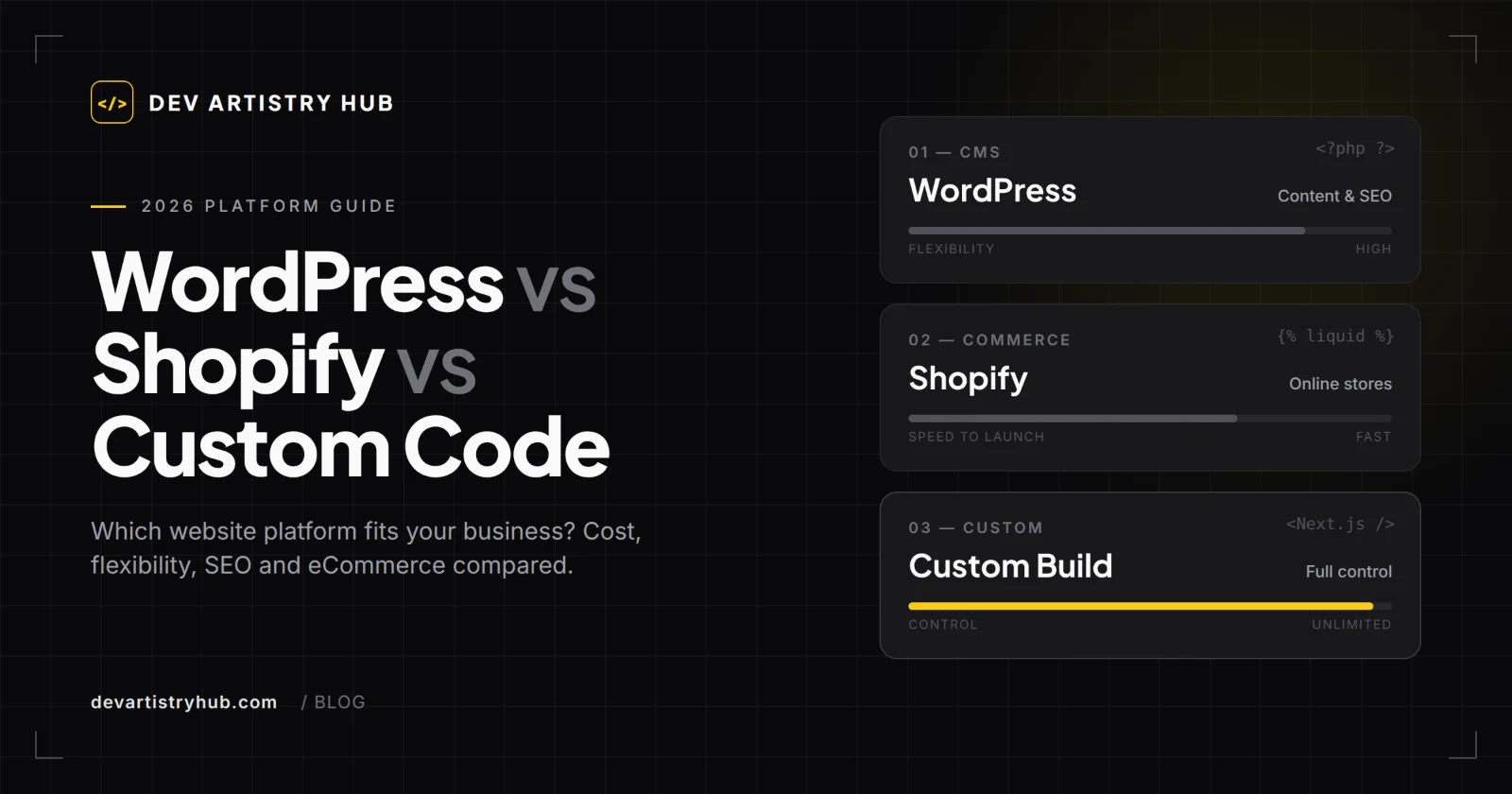
Most business owners narrow it down to three options. WordPress powers the largest share of the web. Shopify runs a fast-growing share of online stores. And custom development, built with frameworks like Next.js, gives you full control when off-the-shelf tools start to feel limiting.
The WordPress vs Shopify debate gets most of the attention, yet it leaves out that third path — and the newer question of where AI website development fits in. This guide compares all three honestly: what each platform does well, where it struggles, what it really costs to own, and a simple checklist to help you decide. No platform is "the best" for everyone. The right one is the one that matches your business model, budget and growth plans.
The Quick Answer
- Choose WordPress if content, SEO and flexibility matter most — blogs, service businesses, agencies, portfolios, membership sites and content-led stores.
- Choose Shopify if selling products online is the core of your business and you want hosting, security and checkout handled for you.
- Choose custom development if you need unique functionality, very high performance, complex integrations or an interactive experience that templates cannot deliver.
The rest of this guide explains the trade-offs behind each answer.
WordPress in 2026: Still the Most Flexible Option
WordPress is an open-source content management system written in PHP. You install it on your own hosting, pick a theme, and extend it with plugins. According to W3Techs, WordPress runs about 40.2% of all websites and holds 58.7% of the CMS market as of 1 October 2026. Its share has slipped from over 43% in early 2025, but no other platform comes close.
Where WordPress Shines
- Content and SEO. WordPress was built for publishing. Clean URLs, categories, custom post types and mature SEO plugins make it a strong base for organic traffic.
- Design freedom. Page builders like Elementor, block themes, or fully custom themes give you almost any layout.
- Ownership. You own the code and data and can move hosts at any time.
- eCommerce when needed. WooCommerce adds a full store to an existing WordPress site.
- Huge talent pool. It is easy to find WordPress development help in almost any country and budget.
Where WordPress Struggles
- Maintenance is your job. Core, theme and plugin updates, backups and security fall on you or your developer.
- Plugin bloat. Too many plugins slow sites down and cause conflicts — one of the most common reasons for a WordPress bug fix request.
- Performance needs work. Fast WordPress sites are absolutely possible, but they need good hosting, caching and careful theme choices.
Shopify in 2026: Built for Selling
Shopify is a hosted eCommerce platform. You pay a monthly subscription, and Shopify handles hosting, security, PCI-compliant checkout and payments. W3Techs reports Shopify on 5.4% of all websites and 7.8% of the CMS market, and it is the second most used CMS overall.
Where Shopify Shines
- Fast, reliable store launch. Products, inventory, checkout, taxes and shipping work out of the box.
- Checkout that converts. Shopify's checkout is mature and trusted by shoppers.
- Low technical overhead. No server updates or security patches to manage.
- Theme customization with Liquid. Shopify themes are built with Shopify Liquid, HTML, CSS and JavaScript. Online Store 2.0 themes use sections and blocks, so merchants can rearrange pages without touching code.
Where Shopify Struggles
- Ongoing costs add up. US pricing starts at $29/month for Basic (billed annually) or $39 billed monthly, with Grow at $79 and Advanced at $299 on annual billing. Paid apps and transaction fees sit on top of that. Prices vary by region, so check Shopify's pricing page for your country.
- Less control. You work within Shopify's rules for URLs, checkout and data structure.
- Content features are basic. The blog works, but it is not as strong as WordPress for content-heavy SEO strategies.
Custom Website Design and Development: When Templates Are Not Enough
Custom website design and development means building the site with code rather than configuring an existing platform. That could be a hand-coded site with HTML, CSS, Bootstrap and JavaScript, a React-based app on Next.js, or a headless setup where WordPress or Shopify manages content while a custom front end displays it.
When Custom Development Makes Sense
- You need features no plugin or app offers, such as custom booking logic, calculators, dashboards or portals.
- Speed and Core Web Vitals are a competitive priority.
- You want immersive experiences like 3D product views with Three.js or advanced scroll animation.
- You need deep integrations with a CRM, ERP or internal API.
- You are building a product, not just a marketing site.
The Trade-offs
Custom builds cost more up front, take longer to launch, and depend on developers for most changes. The code also needs documentation so another developer can maintain it later. For many small businesses, a well-customized WordPress or Shopify site delivers most of what they need at a much lower cost.
WordPress vs Shopify vs Custom: Side-by-Side Comparison
| Factor | WordPress | Shopify | Custom Development |
|---|---|---|---|
| Best for | Content, services, SEO-led sites, flexible stores | Product-focused online stores | Unique features, apps, high-performance sites |
| Upfront cost | Low to medium | Low to medium | Medium to high |
| Monthly cost | Hosting, premium plugins | Subscription, apps, transaction fees | Hosting, developer retainer |
| Ease of editing | Easy with a page builder | Very easy | Depends on the CMS behind it |
| Design flexibility | Very high | High within theme limits | Unlimited |
| eCommerce | Strong with WooCommerce | Excellent, built in | Built to order |
| Maintenance | Owner or developer | Mostly handled by Shopify | Developer |
| Main tech | PHP, MySQL, HTML, CSS, JavaScript | Shopify Liquid, HTML, CSS, JavaScript | Next.js, React, Node, any stack |
| Ownership | Full | Platform-dependent | Full |
How to Choose: A 6-Question Checklist
Answer these honestly before you hire a developer:
- Is selling products your main goal? If yes, start with Shopify. If products are a side line to content or services, WordPress with WooCommerce often fits better.
- How important is content marketing? If blogging and organic search drive your leads, WordPress has the edge.
- Who will update the site? Non-technical teams usually do best with Shopify or WordPress plus a visual builder.
- What is your realistic monthly budget? Add up subscriptions, apps, hosting and maintenance — not just the build price.
- Do you need anything unusual? Custom logic, complex integrations or interactive 3D usually point to custom development or a hybrid.
- Where will you be in three years? Pick a platform that can grow with you, so you avoid an expensive rebuild later.
Common Mistakes When Choosing a Platform
- Choosing by build price alone. A cheap build on the wrong platform often costs more in workarounds and rebuilds.
- Installing a plugin or app for everything. Each one adds weight, cost and risk. Fewer, well-chosen tools are better.
- Ignoring mobile performance. Most traffic is mobile. Test real pages on real phones, not just the desktop preview.
- Skipping a maintenance plan. Every platform needs updates, testing and occasional fixes.
- Buying a heavy theme and fighting it. A lighter theme plus targeted theme customization is usually faster and easier to maintain.
Bug Fixes and Theme Customization: The Work Nobody Plans For
Launch day is not the finish line. Most websites need ongoing fixes and adjustments, and knowing what is normal helps you budget.
On WordPress, typical issues include plugin conflicts after updates, PHP version incompatibilities, broken layouts in Elementor, slow database queries and checkout errors in WooCommerce. A careful WordPress bug fix process starts with a staging copy, a backup, and testing one change at a time.
On Shopify, common requests include adjusting Liquid templates, fixing app conflicts that break the theme, improving speed by removing unused app scripts, and building custom sections. Good Shopify theme customization keeps changes inside sections and snippets, so theme updates do not wipe them out.
On custom builds, most fixes depend on how well the original code was documented and tested. Ask for clean code, version control and handover notes from day one.
Where AI Website Development Fits In
AI tools are now part of how websites get built. W3Techs already tracks AI site builders such as Lovable and v0, though each still runs only a tiny share of the web. In practice, AI is most useful for:
- Generating first drafts of layouts, copy and code snippets
- Speeding up repetitive development tasks and debugging
- Adding AI features to a site, such as smart search, chat assistants or product recommendations
AI does not remove the need for judgment. Generated code still needs review for security, accessibility, performance and SEO. Google's guidance also focuses on helpful, people-first content, regardless of how that content is produced. The strongest results come from experienced developers who use AI to work faster — not from AI alone.
What About Cost?
Costs vary widely by country, scope and who builds the site, so be wary of any single "average price." A more useful way to compare is total cost of ownership over three years: build cost, plus monthly platform fees, plus apps or plugins, plus hosting, plus maintenance and fixes. On that view, Shopify often looks cheaper at launch, WordPress cheaper over time for content sites, and custom development worthwhile only when it creates clear business value.
Frequently Asked Questions
Is WordPress or Shopify better for a small business?
It depends on what the business does. Shopify is usually better for product-first online stores that want a simple, managed setup. WordPress is usually better for service businesses, content-led brands and anyone who wants full ownership and stronger blogging tools.
Is Shopify better than WordPress for SEO?
Both can rank well. WordPress gives more control over URLs, site structure and content types, which helps content-heavy SEO. Shopify covers the technical basics well for stores but has a fixed URL structure. Content quality, speed and site structure matter more than the platform itself.
Can I move from WordPress to Shopify, or the other way around?
Yes. Products, customers, orders and blog posts can be migrated with import tools or a developer. Plan URL redirects carefully so you keep your search rankings during the move.
When do I need custom website development instead of a theme?
When your site needs functionality no plugin or app provides, when performance is a key competitive factor, or when you need complex integrations or interactive experiences such as 3D product views.
What is Shopify Liquid?
Liquid is Shopify's open-source template language. Developers use it with HTML, CSS and JavaScript to build and customize Shopify themes, sections and dynamic content.
Can AI build my business website?
AI can draft layouts, copy and code quickly, and it is a useful tool. A production website still needs a developer to review security, accessibility, performance, SEO and integrations before launch.
How often does a website need maintenance?
WordPress sites should be updated and backed up regularly — many teams check weekly or monthly. Shopify handles platform updates, but themes and apps still need occasional review. Custom sites need maintenance based on their stack and hosting.
Conclusion: Choose the Platform That Fits Your Business, Not the Trend
The WordPress vs Shopify choice comes down to your business model. Shopify is the fastest route to a reliable online store. WordPress offers unmatched flexibility for content, SEO and ownership. Custom development makes sense when your website itself is a competitive advantage. AI can speed up all three, but it works best in experienced hands.
Start with the six-question checklist above, add up the three-year cost of ownership, and choose the option that supports where your business is heading.
Want a second opinion on your project? Dev Artistry Hub builds and maintains WordPress, Shopify and custom websites for businesses worldwide — whether you need a new build, theme customization or a stubborn bug fixed.
Sources
Market share: W3Techs, Usage statistics of content management systems (1 October 2026). Shopify pricing: US list prices as summarized by tech.co; confirm current prices on Shopify.
- #WordPress
- #Shopify
- #Custom Development